

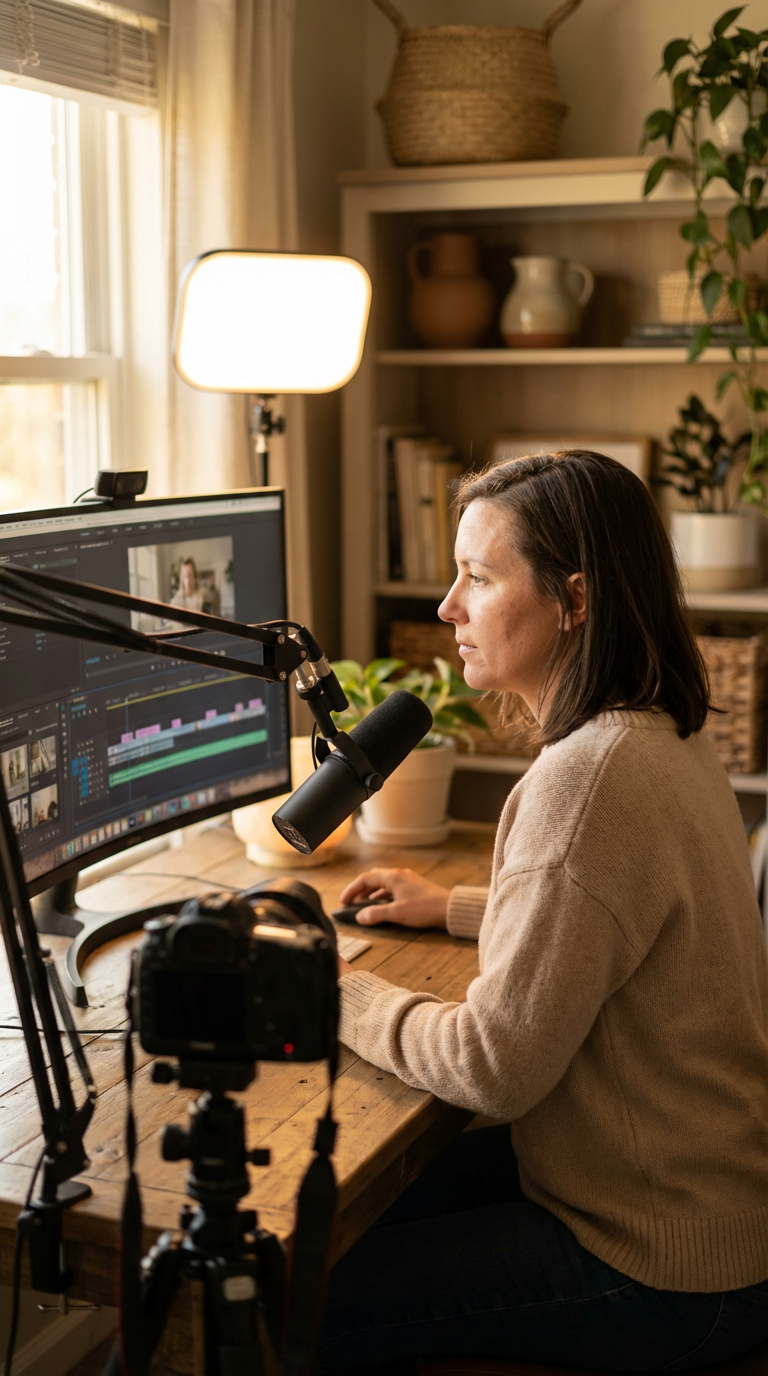

How to Put Your Podcast on YouTube: The Complete Strategy Guide
If you’ve been asking yourself, “What’s the best way to put my podcast on YouTube?”, you are not alone. In 2026, thousands of podcast creators are making the shift from audio-only distribution to a full YouTube strategy. And for good reason. YouTube is the world’s second-largest search engine. It reaches over 2.7 billion logged-in users every month. Ignoring it as a podcast distribution channel isn’t just a missed opportunity — it’s a strategic mistake. In this guide, you’ll learn exactly how to get your podcast onto YouTube, which tools work best, and how to optimize your content so it actually gets discovered.
Why YouTube Is the Smartest Place to Distribute Your Podcast
Most podcasters think of YouTube as a “video platform.” However, YouTube has quietly become one of the most powerful podcast discovery engines available today. The platform now organizes podcasts in dedicated playlists, making it easy for viewers to navigate your episode library and understand your content at a glance.
Therefore, publishing your podcast on YouTube doesn’t just expand your reach — it fundamentally changes how people experience your brand. Specifically, viewers who find you on YouTube are more likely to binge multiple episodes, subscribe to your channel, and share your content with others. That’s the kind of compounding growth that audio-only platforms simply cannot replicate on their own.
In addition, YouTube’s algorithm rewards consistency and engagement. If you publish regularly and optimize your metadata correctly, YouTube will actively surface your episodes to new audiences — audiences who never would have found you on Spotify or Apple Podcasts alone. For business leaders and entrepreneurs, this visibility directly translates to authority, credibility, and lead generation.
The visual format also builds deeper trust. When viewers can see you speak — your facial expressions, your energy, your environment — they connect with you on a level that audio simply cannot achieve. As a result, YouTube podcast viewers convert at higher rates into email subscribers, community members, and paying customers.
Furthermore, YouTube’s playlist infrastructure makes it easy for loyal viewers to find related episodes. This structural advantage encourages binge-watching behavior that drives real audience retention over time.
What’s the Best Way to Put My Podcast on YouTube?
So what’s the best way to put my podcast on YouTube without making it overly complicated? The honest answer is: it depends on your current setup. However, there are three main approaches that work exceptionally well in 2026. Choosing the right one depends on your goals, your existing tools, and how much control you want over your final presentation.
Option 1: Import Your Podcast via RSS Feed
If you already host your podcast on a platform like Buzzsprout, Podbean, or RSS.com, you can import your content directly to YouTube using your RSS feed URL. YouTube’s native podcast support allows you to claim your show and link your existing feed. From there, new episodes can automatically appear on your YouTube channel without requiring manual uploads each time.
This approach is fast and low-effort. However, it gives you limited control over how your episodes look on YouTube. Your audio will typically appear with a static image — usually your podcast cover artwork — rather than a dynamic video. For some creators, that’s a perfectly acceptable starting point. For others who want a more polished YouTube presence, this method is just step one in a larger strategy.
Specifically, RSS.com offers a built-in, no-cost conversion feature that automatically transforms your audio episodes into a video format ready for YouTube distribution. This eliminates the need to handle any file conversion manually, which saves meaningful time at scale.
Option 2: Upload Episodes Manually with Custom Visuals
Manual uploads give you the most control over your YouTube presence. With this method, you create a video file for each episode — whether that’s a full talking-head recording, a branded audiogram with animated waveforms, or a professionally edited production — and upload it directly to YouTube Studio.
This approach takes more time. However, it allows you to customize every detail of your YouTube presentation. You can create compelling custom thumbnails, write keyword-rich descriptions, add chapters with timestamps, and build a consistent visual brand identity that stands out in search results.
For business leaders who want their podcast to function as a flagship content asset, manual uploads are often the right choice. The extra effort pays off in higher click-through rates and stronger audience retention over time.
Option 3: Use an All-in-One Platform Like Riverside
For most serious podcast creators, the best approach combines professional quality with workflow efficiency. That’s exactly what platforms like Riverside deliver. Riverside handles recording, AI-powered editing, and automated distribution in a single, streamlined workflow.
Here’s what makes Riverside particularly powerful: its AI automatically reduces background noise, removes filler words, upgrades audio quality, and normalizes levels without any manual effort. You don’t need a professional audio engineer on your team. Once you finish recording, Riverside’s Co-Creator AI agent lets you make edits through simple chat prompts — no downloads, no manual file management required.
Most importantly, Riverside auto-publishes directly to both YouTube and your RSS feed simultaneously. This means your episode goes live across all platforms without touching multiple dashboards. For busy entrepreneurs and executives, that time savings compounds significantly over a full content calendar.
If you’re looking for expert guidance on building a podcast strategy that integrates seamlessly with YouTube, explore 320 Creative’s services. The team specializes in helping business leaders turn their podcasts into high-performing digital authority assets.
How to Optimize Your Podcast Episodes for YouTube Discovery
Getting your podcast onto YouTube is just the first step. The real work — and the real opportunity — lies in optimization. Without proper metadata and visual strategy, even great content can go completely undiscovered. Here’s how to make YouTube’s algorithm work in your favor from day one.
Craft Titles and Thumbnails That Drive Clicks
Your title and thumbnail are the two most important factors in whether someone clicks on your video. Think of them as your digital billboard. They need to communicate value instantly and make viewers feel like they’d be missing something by scrolling past.
For titles, lead with your episode’s core topic and include a clear benefit or curiosity hook. Keep titles under 60 characters when possible. Avoid generic titles like “Episode 47” — those tell viewers nothing about why they should watch. Instead, lead with the specific insight, guest name, or actionable outcome viewers will gain from the episode.
For thumbnails, use high-contrast colors, bold readable text, and a strong facial expression if you’re recording video. Adding a “NEW” tag to recent thumbnails signals fresh content to both the algorithm and your audience. Importantly, maintain a consistent thumbnail style across all episodes. This builds brand recognition that makes your content instantly identifiable in crowded search results.
Write Descriptions with Keywords and Timestamps
Your episode description is prime real estate for search optimization. YouTube’s algorithm reads your description to understand what your video is about. Therefore, include your primary keywords naturally in the first two to three sentences — not crammed in, but woven into a clear and compelling episode summary.
Beyond keywords, add timestamps for each major segment of your episode. Timestamps accomplish two things simultaneously: they improve the viewer experience by letting people jump to the sections most relevant to them, and they create additional keyword-rich text that YouTube indexes independently. As a result, your episode can appear in search results for multiple queries, not just one.
Also include relevant links in your description — to your website, your email list, and episode-specific resources. These links drive meaningful traffic back to your owned channels, which is where your real business relationships are built and nurtured over time.
Organize Your Episodes into Strategic Playlists
YouTube’s playlist feature is one of the most underutilized tools in a podcast creator’s arsenal. Playlists help viewers understand your content taxonomy immediately. They also encourage binge-watching behavior, which signals to the algorithm that your content is worth actively promoting to new audiences.
Create separate playlists organized by topic, series, or guest category. For example, if your podcast covers entrepreneurship, you might build playlists like “Funding and Finance,” “Marketing Strategies,” and “Leadership Lessons.” This structure helps new viewers immediately find the episodes most relevant to their specific situation.
In addition, create a dedicated playlist for your short-form clips and episode highlights. These shorter videos serve as powerful entry points — they attract new viewers who then naturally migrate to your full-length episodes. This funnel approach is one of the most effective and systematic ways to grow a YouTube podcast audience without paid advertising.
Not sure where to start with organizing your content? Check out our guide on building a winning podcast content strategy for a practical framework you can apply immediately.
Turning Your YouTube Podcast Into a Business Authority Engine
Here’s where the strategy gets genuinely interesting. For business leaders, a YouTube podcast isn’t just a content channel — it’s a credibility asset. When potential clients, partners, or investors search your name on YouTube and find a consistently published, professionally presented show, that sends a powerful signal about your expertise and your commitment to your audience.
The key is consistency. Publish on a regular schedule — whether that’s weekly, bi-weekly, or monthly — and maintain it without exception. Audiences on YouTube are conditioned to expect content on a predictable rhythm. Missing your schedule breaks audience trust and damages your algorithmic momentum simultaneously.
Furthermore, consider how your YouTube podcast integrates with your broader content ecosystem. Your episodes can fuel blog posts, email newsletters, social media clips, and LinkedIn articles. Each piece of content you repurpose from a single episode multiplies your visibility without multiplying your effort. Content professionals call this the “content waterfall” approach, and it’s one of the most efficient audience growth strategies available in 2026.
At 320 Creative, we work with executives and entrepreneurs who are serious about building a media presence that generates real business results. If you’re ready to build a podcast that works harder for your brand, let’s talk about what a custom YouTube podcast strategy looks like for your specific goals and industry.
The Distribution Workflow That Maximizes Your Reach
Once your podcast is set up on YouTube, the goal is to streamline your publishing workflow. You want to spend less time on logistics and more time creating content your audience loves. Here is the four-step workflow that top podcast creators are using right now.
Step 1: Publish to YouTube first. Treat YouTube as your primary distribution channel. Upload your video, optimize all metadata, and schedule your publish date before touching any other platform.
Step 2: Claim your show in Spotify for Creators. Connect your RSS feed to Spotify’s creator dashboard. This enables automated episode publishing to Spotify without requiring separate manual uploads each week.
Step 3: Upload vertical short-form clips. Create 60 to 90-second vertical clips from your best episode moments. Upload them to YouTube Shorts, Spotify’s Browse and Discover feed, and Instagram Reels. These short clips dramatically increase discoverability across platforms and funnel new viewers toward your full episodes.
Step 4: Let automation handle the rest. If you’re using a platform like Riverside, your RSS feed updates automatically with each new episode. Your content flows to Apple Podcasts and other directories without any additional manual action on your part.
This four-step workflow ensures your content reaches every major platform efficiently. Importantly, it keeps YouTube at the center of your distribution strategy where the discoverability and authority benefits are greatest for long-term growth.
Common Mistakes That Kill YouTube Podcast Growth
Before you launch your YouTube podcast strategy, it’s worth understanding what not to do. These are the mistakes that consistently hold podcast creators back from meaningful growth on the platform.
Uploading audio with zero visual effort. A black screen or a blurry, low-resolution image tells viewers you haven’t invested in their experience. Even a clean branded audiogram with your logo and a waveform animation is significantly better than a blank or static upload.
Ignoring metadata completely. Episode titles like “Podcast Episode 12” with a one-line description will never rank in YouTube search. YouTube is a search engine. Treat your metadata with the same strategic seriousness you’d apply to a high-priority blog post.
Publishing on an inconsistent schedule. Sporadic uploads confuse the algorithm and frustrate your audience in equal measure. Set a realistic publishing cadence before you launch and maintain it rigorously. Consistency always beats volume when it comes to building a sustainable YouTube audience.
Skipping chapters and timestamps. Modern viewers want to understand what’s inside your episode before they commit their time to it. Adding chapters dramatically improves watch time metrics, which directly improves how aggressively the algorithm distributes your content to new viewers.
Forgetting to include calls to action. Every episode should guide viewers toward a clear next step — your website, your email list, a free resource, or a consultation booking. Without strategic CTAs, you’re building YouTube’s engaged audience instead of your own. For a deeper look at this, read our guide on launching a podcast that consistently converts listeners into leads.
Start Building Your YouTube Podcast Presence Today
So, what’s the best way to put my podcast on YouTube? The answer is clear. Use the right tools for your workflow, optimize every element of your presentation, publish on a consistent schedule, and treat YouTube as a primary strategic distribution channel — never an afterthought.
Whether you’re starting your podcast from scratch or migrating an existing show to YouTube, the opportunity is genuinely significant. YouTube’s podcast infrastructure is more advanced and more creator-friendly than ever before. The creators who invest in this channel now will build a compounding audience advantage that only grows stronger over time.
The best time to put your podcast on YouTube was the day you launched it. The second best time is right now.
Ready to build a YouTube podcast presence that actually grows your business? Subscribe to the 320 Creative YouTube channel for weekly strategies on podcasting, content marketing, and digital authority building. And when you’re ready for hands-on expert support, explore how 320 Creative’s services can help you build a podcast that works as hard as you do. The tools are available. The audience is waiting. All that’s left is your decision to start.